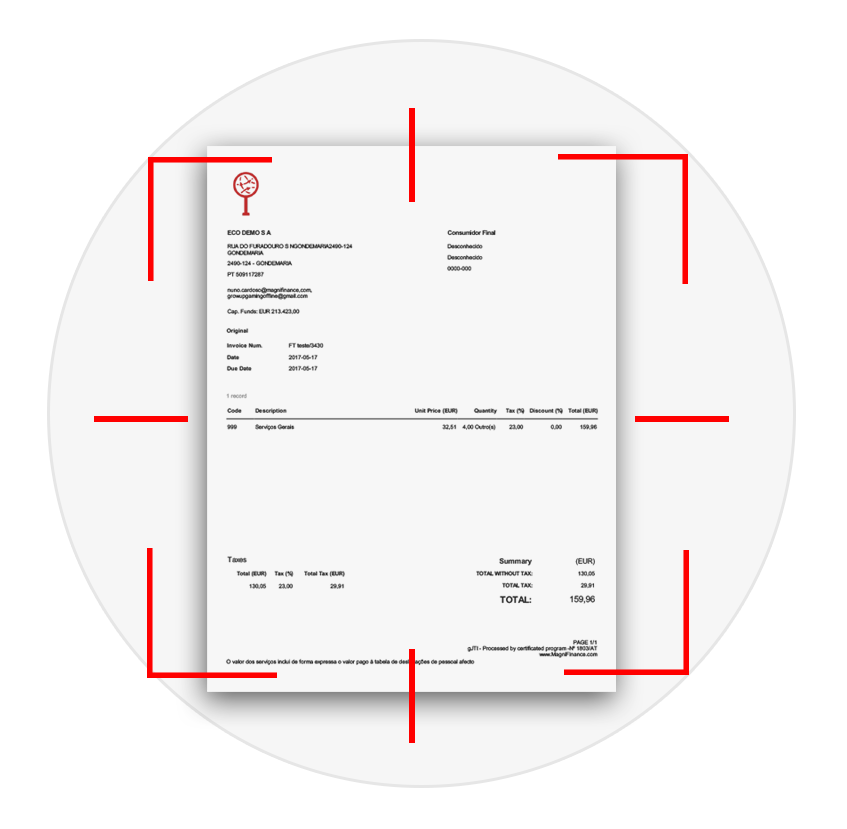
Drop the expense on the Documents page, as a PDF or a photo (jpg, png…). Within seconds to a couple of minutes MagniFinance fills in the supplier (created automatically if new), the invoice number, the date, the due date, the currency, the ATCUD, the totals and the VAT split.
Portuguese invoices carry the QR code certified by the Tax Authority (AT). When it is present it is the authoritative source for the tax ids, number, date, ATCUD, document type, totals and VAT per rate — the figures match what the supplier declared to the AT. Everything the QR code does not carry (supplier name and address, due date, reference) is read from the document itself by AI.
The three recognition tiers, the free regular queue, the fast track and the speed measured in production.
80 documents a month included in the platform. Fast-track credits from 3.90 € + VAT per 100.
Documents stay on MagniFinance infrastructure — no third-party AI service ever receives them.
Get every feature of the platform, unlimited, for 30 days and then decide whether to subscribe.