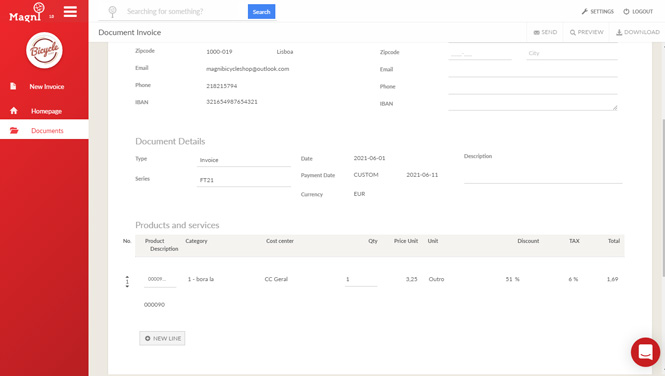
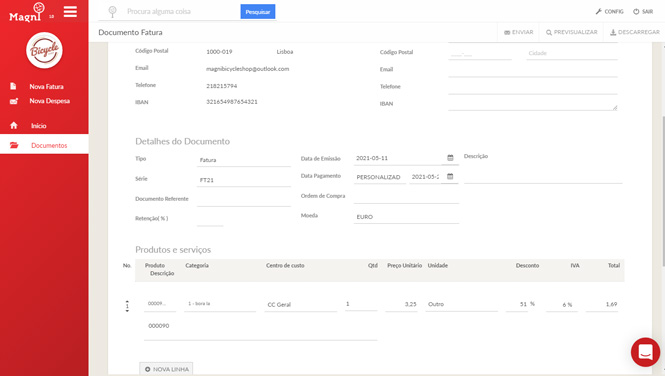
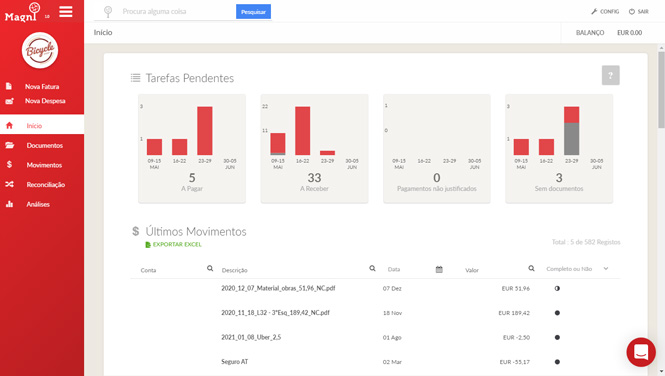
We fill in data automatically wherever possible, so you don't have to enter it by hand:

When you close an invoice, you can send it to the customer straight away. Just click the "SEND" button and the platform automatically fills in the email with the customer's details. You can also edit the text and subject, and send it to several email addresses in one go.


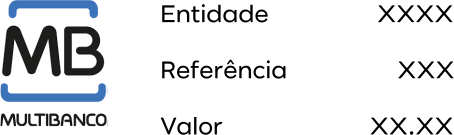
You can put the payment method directly on the invoice, and as soon as the invoice is paid, the bank transaction is matched to it. You just need to activate our integration with LusoPay.
The main tax documents that businesses generally need to issue.
The platform is also available in PT and EN




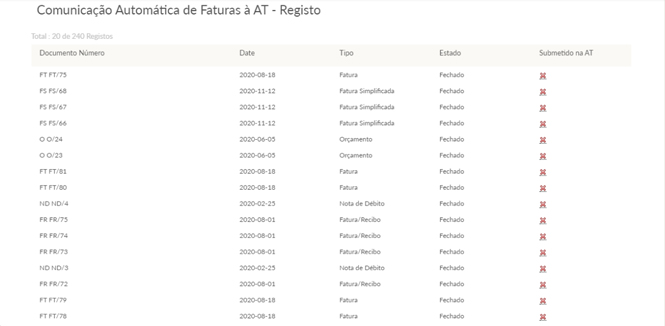
You can choose between exporting the SAF-T file and submitting it yourself on the Portuguese Tax Authority portal, or setting up automatic reporting of your documents to the Portuguese Tax Authority (AT) so you no longer have to do it every month. You just need to confirm that the report went through successfully.
Whenever you close or cancel a document, we report it to the AT immediately. This saves you the trouble of exporting the SAF-T file every month.
2.00
US Dollar
2.30 (US)
Documents on the platform are always issued in euros, but you can add a conversion rate for other currencies.
MagniFinance suggests a rate automatically based on the official European Central Bank exchange rate, but you can also change it to the rate agreed with your customer or supplier.
A certified, personalised invoice is always an important way to show your customers a high level of professionalism.
Add your logo to all tax documents, include notes in the footer, and add your company details such as IBAN, NIB or SWIFT.
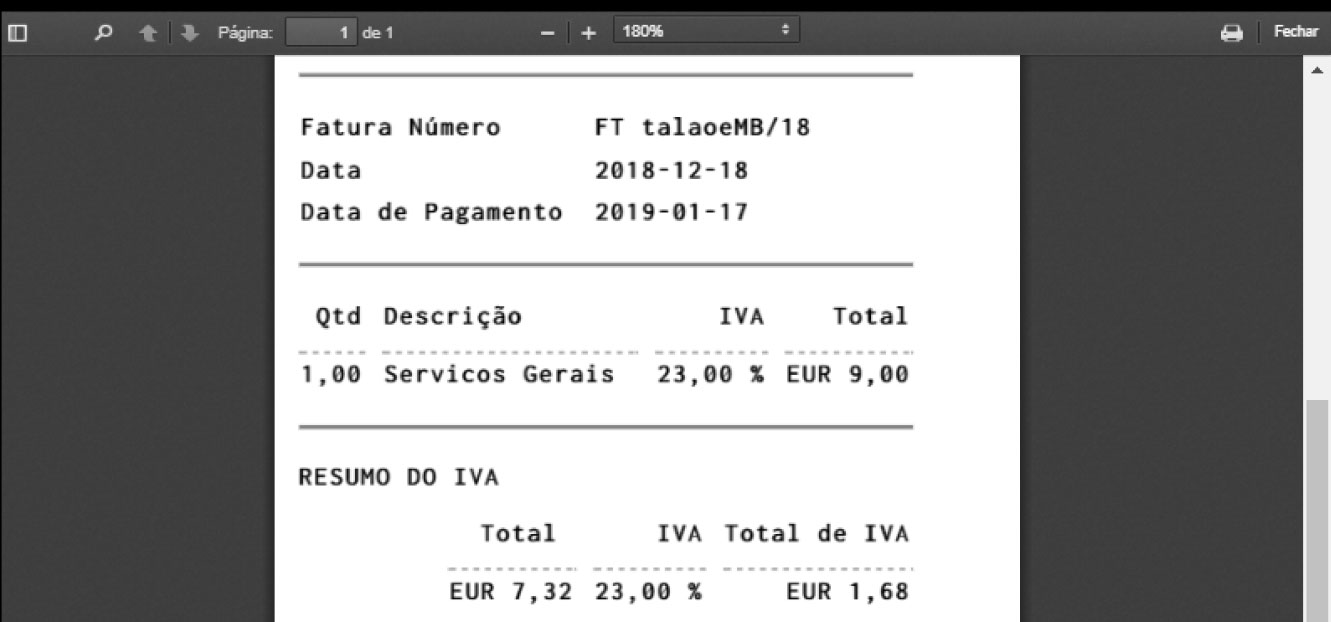
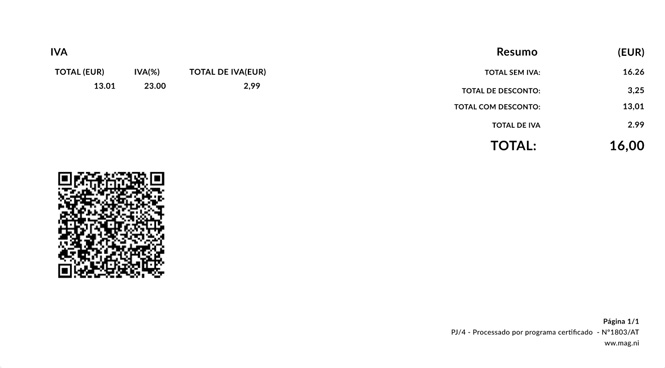
You can use two formats: A4 and receipt format. To switch between them, just choose the format in the invoice series.
With receipt format selected, you can print your invoices on a thermal printer.
Under Ordinance 195/2020 of the Portuguese Tax Authority (AT), the QR code has been mandatory on invoices since 1 January 2022.
When you issue an invoice, you can assign categories and cost centres to its lines straight away. That way you can fully analyse your sales with the Pivot tool.
With a Pivot table, you can measure the performance of a sales team, see whether a department is making a profit or a loss, and much more, by combining filters to suit your needs and exporting the information to an Excel file.
A manager should always have the information needed to make business decisions with greater confidence.
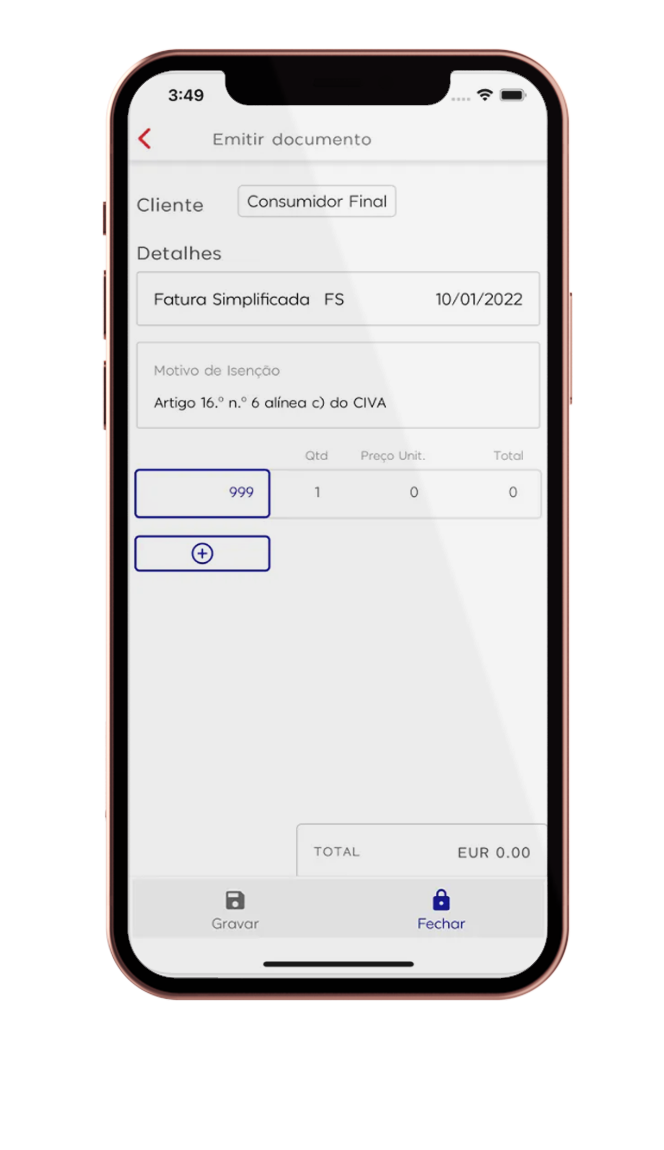
Our mobile app is a simple and efficient invoicing platform. It makes a manager's work easier by letting you issue documents and send them to a customer wherever you are. You can easily find your invoices and download them as PDFs whenever you need to, and export the SAF-T file for your accountant at any time.
At a much lower cost than the web platform, it is a good option if you only need to issue a few invoices a month, and it also works as a great complement to the web platform. With the MagniFinance mobile app you can:


If you need to issue invoices in large volumes, you can always use our API. Well-known companies trust MagniFinance with their daily operations. You can rely on us too.


Users with "cashier" permissions can, for example, create documents but cannot change prices or discounts. They can only view their own documents. They have no access to bank details or account balances, and cannot change any platform settings.

These users can create an unlimited number of documents with no data restrictions and can also report expenses, but can only view their own documents. They have no access to bank transactions.

These users have full access to all the platform's features: unlimited invoicing, expense reporting, viewing documents and bank transactions, and advanced financial analysis.
EDI electronic invoicing is mandatory for companies that work with public entities. That's why we have built an integration with an EDI service provider that lets you send EDI documents to public entities effortlessly, so you no longer have to export your documents manually.
You can choose which document types are sent automatically and to which entities. When you close a document that meets those settings, we send it to the EDI service provider to be delivered to the public entity. You can check your full history of sent documents, with the date and status of each delivery.
To find out how to activate the integration, just contact our customer support team.
Get unlimited access to all platform features for 30 days, then decide whether you want to subscribe.